Student Password Changes
Posted Date: 06/02/26 (11:35 AM)
Happy Summer!
As a part of our Summer technology refresh and update, student passwords have been changed. Parents/guardians can access the updated student passwords through the Parent Dashboard. The students use this username and password to access Classlink, educational platforms, and their Flagler Schools Google account.
- Go to flaglerschools.com
- Select "Parent Portal"
- Login to the "Parent Dashboard"
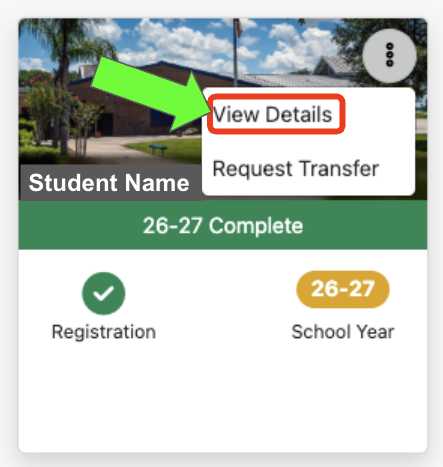 Once in the Parent Dashboard, select "View Details" on the student card. You will be able to see the student's username and updated password.
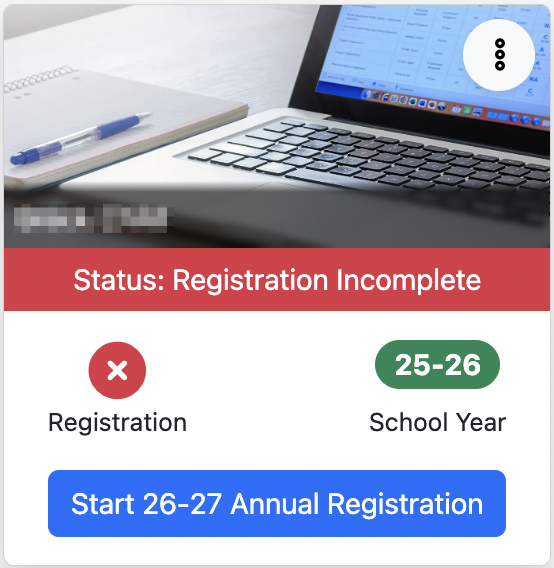
While you are in the Parent Dashboard, you can also complete the the 26-27 Annual Registration.